


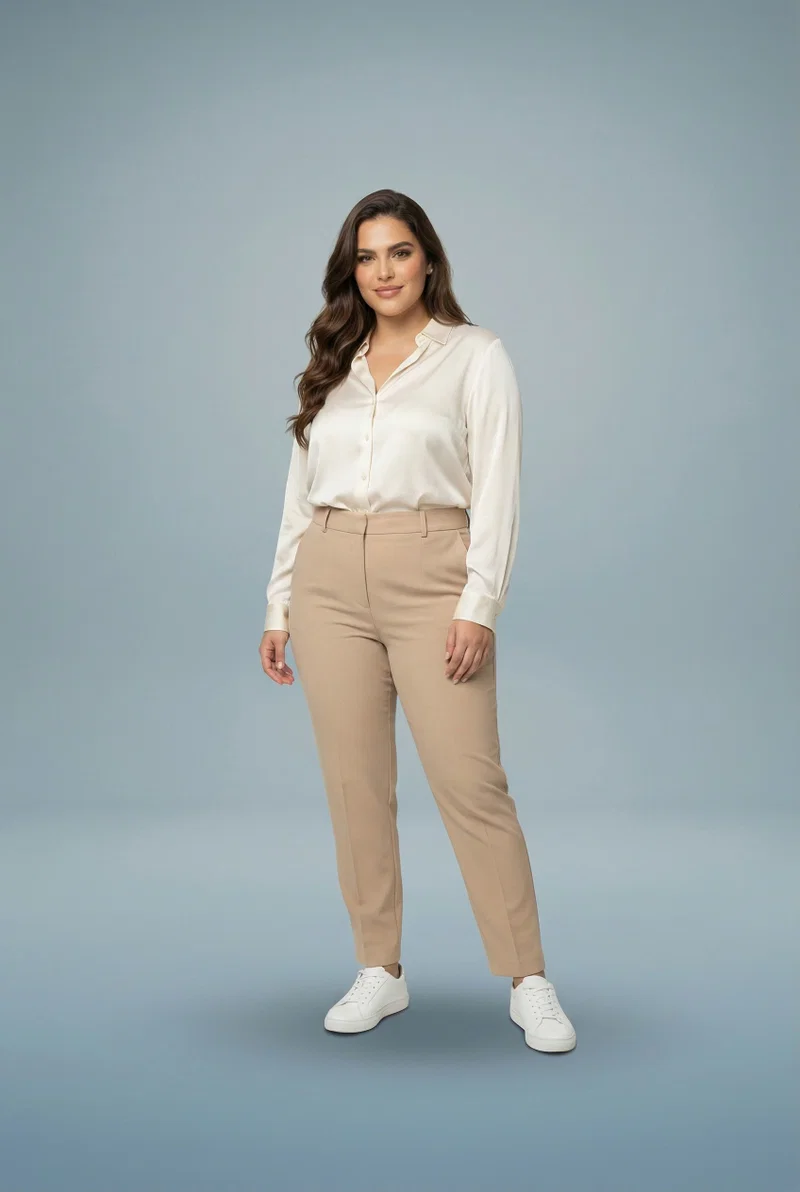
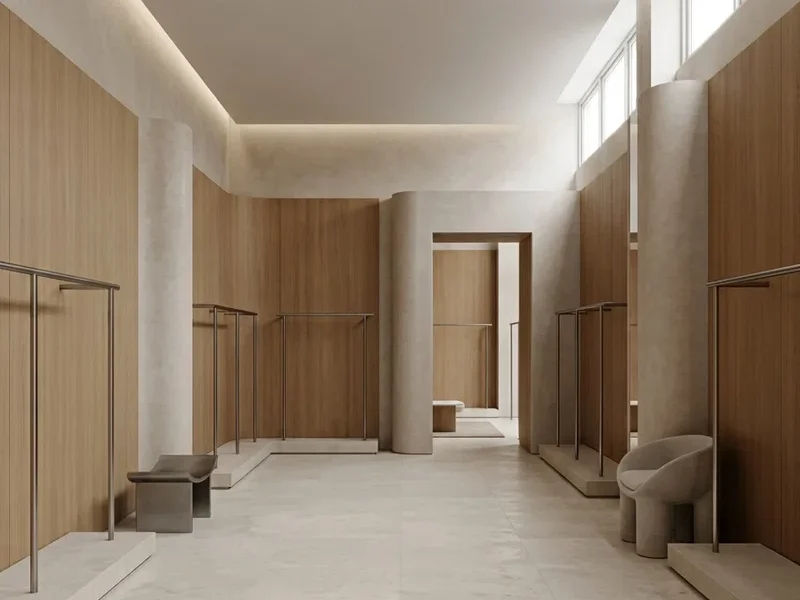


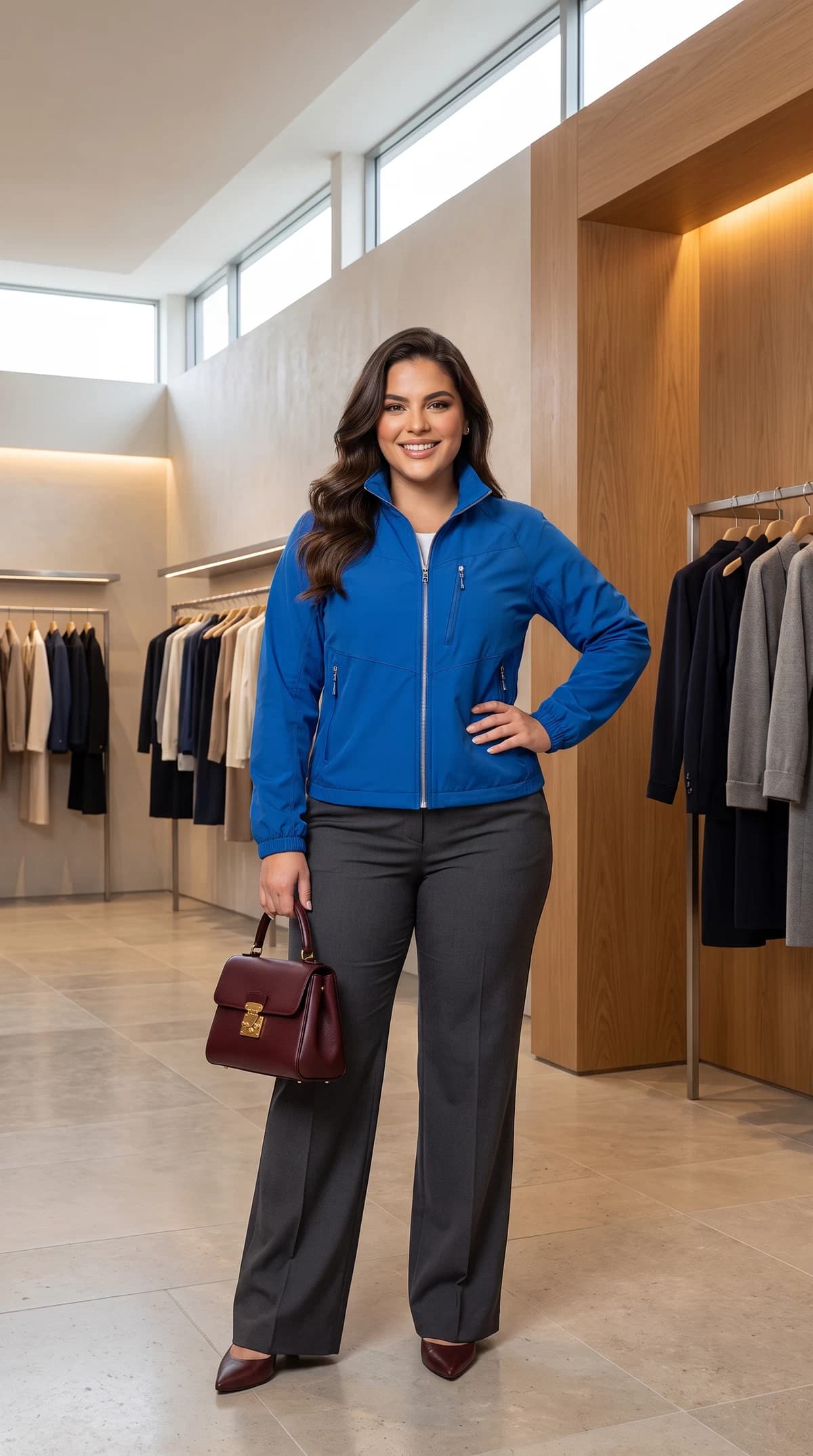


- Studio, model and photographer
- Location and travel
- Weeks of lead time

AI FASHION STUDIO FOR BRANDS & BOUTIQUESAI FASHION STUDIO
Bring your product.
Leave with a campaign.
Upload your clothing. Choose a model and a world—or use your own shop as the set. Create campaign images and clips for shop, social and ads.
Sign up and discover Shoodio with your own product.
Apparel Reference Images
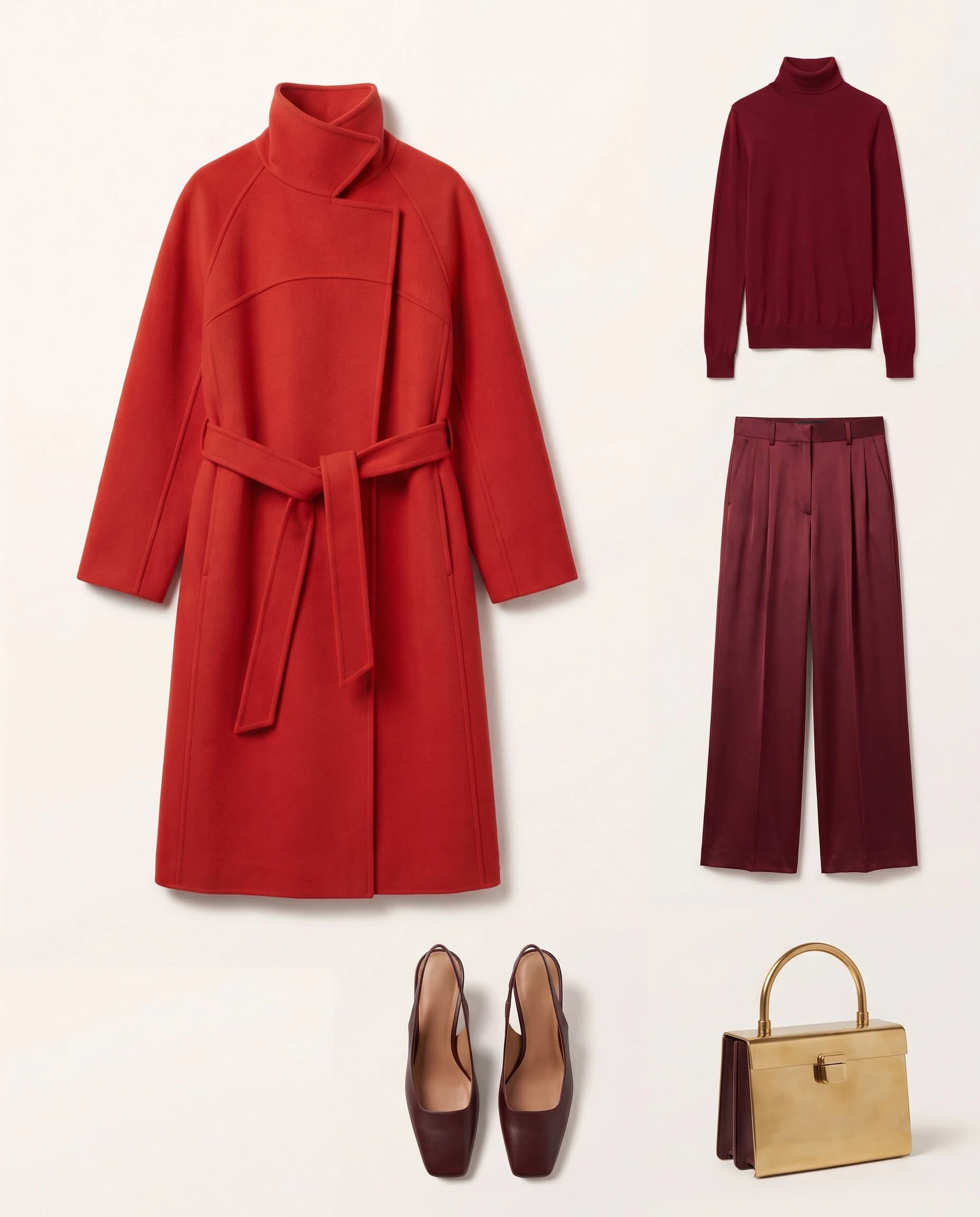
Full commercial rights to your outputsUse and sell every result across shop, social and ads.
Your uploads never train AI modelsUnreleased collections stay yours—nothing is used for model training.
GDPR-compliant, hosted in FrankfurtYour account and data are processed inside the EU.
Ethical AI, published in the openProtected synthetic identities and clear production safeguards.Read the Ethical AI policyONE LOOK. A COMPLETE LAUNCH.
One look. Every image your launch needs.
Bring the real products in one look into Shoodio and direct every image for its job: a campaign master, a clean shop frame, an editorial square and a social cut. The same source look—built for every place customers see it.
For online shopsSee the complete e-commerce workflowFrom one catalogue look to shop, social and campaign.
Campaign masterHero, ads and launch story

Product pageClean full-look frame

Editorial squareA second campaign composition

Social cutComposed for the feed
GETTING YOUR PRODUCTS IN
The photos you already have are enough.
Your existing product shots work as reference images—even a plain shop photo or a flatlay. Add them manually or import straight from Shopify. Shoodio sorts each piece into the right category, and it is ready for every shoot from then on.

- Upload or importAdd a photo by hand or pull it in from Shopify.
- Sorted by categoryShoodio recognises the piece and files it for you.
- Ready in every shootYour products stay on hand for each new shoot.
 Ready to style
HOW THE STUDIO WORKS
You direct. Shoodio brings it to life.
Three clear steps take you from an existing product to a finished fashion image. This guided preview follows the real structure and interactions of the Shoodio studio.
- 01Connect your shoot.
Model and location dock onto the shooting node — visibly, on one board.
- 02One click on Shoot.
Format, pose and image style sit on the node. No prompt required.
- 03The result lands beside it.
Your image develops right next to the shooting node, ready to reuse.
ACCESSORIES, SHOT WITH PRECISION
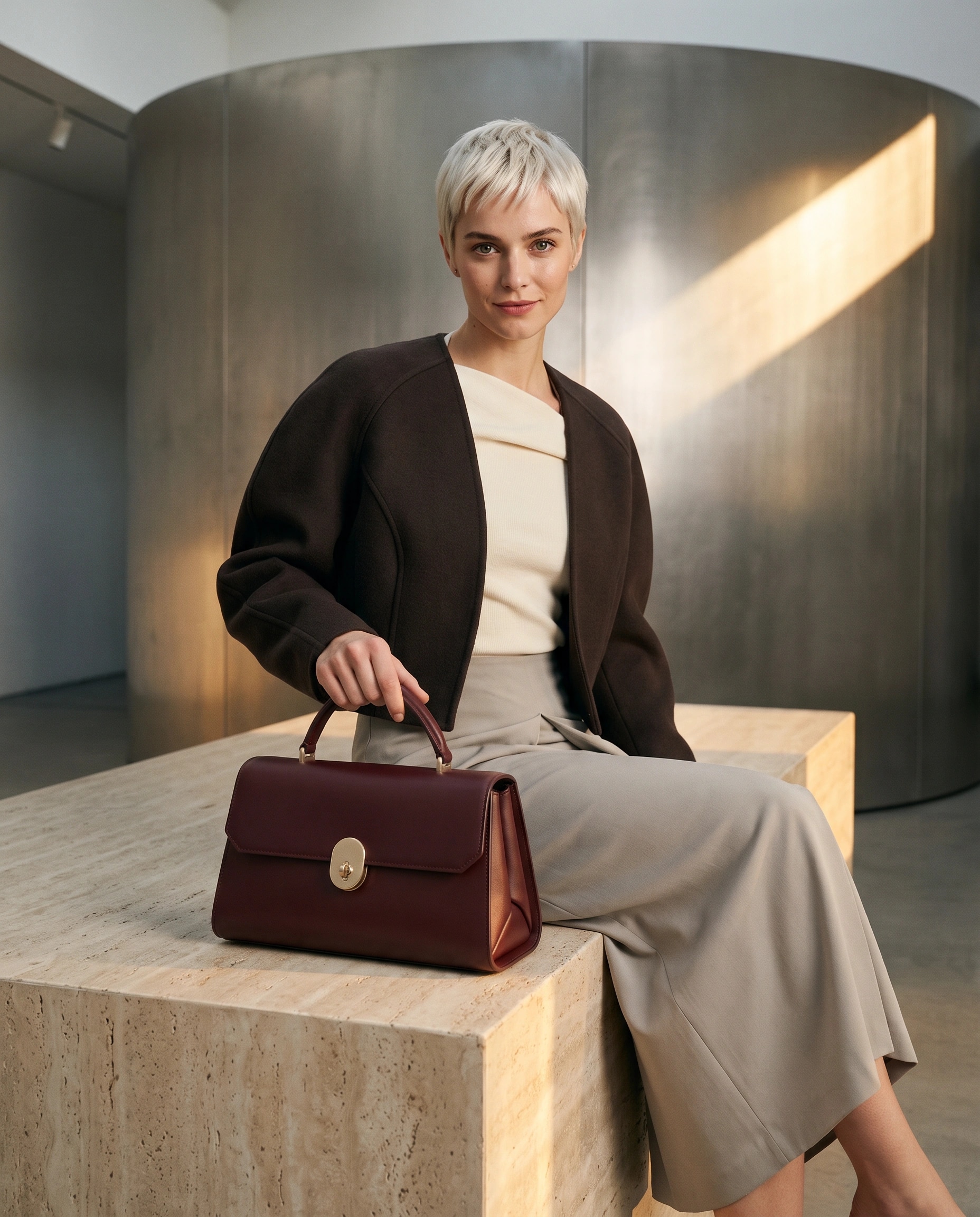
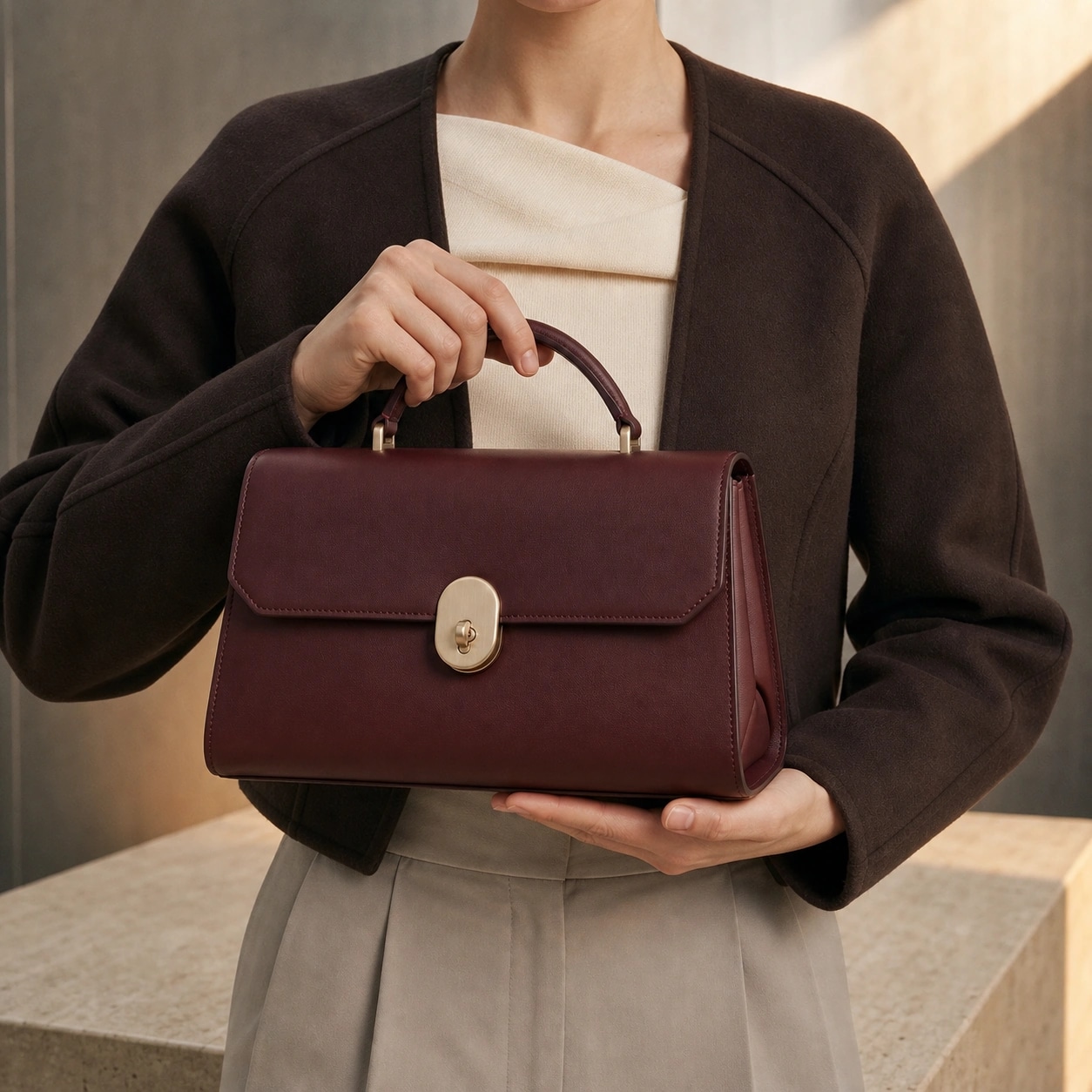
Your accessory. Precisely staged. Clearly recognisable.
Upload the bag, shoe or accessory you sell. Shoodio carries its defining silhouette, material, colour and hardware into on-model shots and campaign close-ups—so the same product stays recognisable in every frame.
SolutionExplore accessory photographyBags, shoes and detail-led campaigns.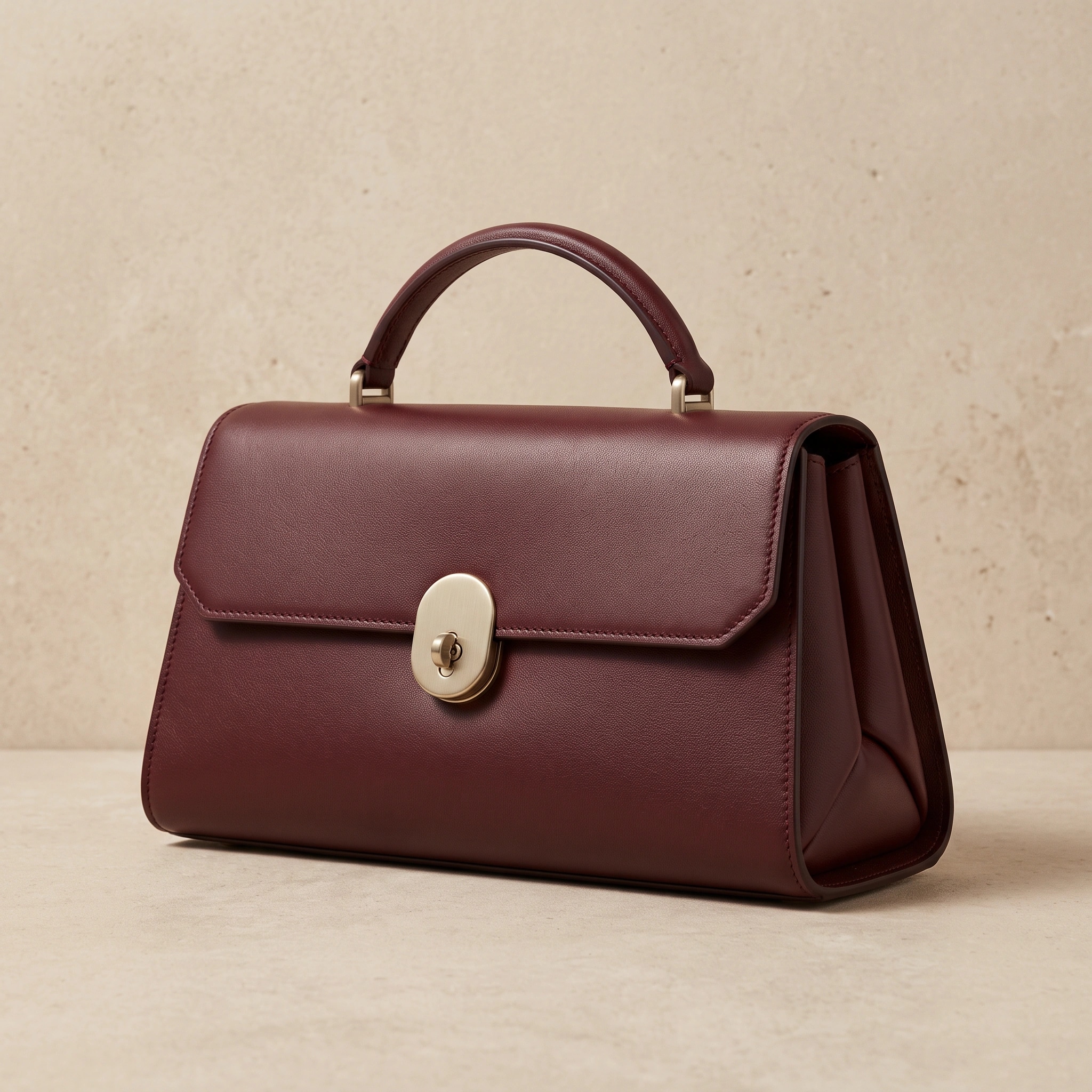
FROM PRODUCT TO PERFORMANCE
One product set. From product page to performance campaign.
Upload the technical shell, hiking trousers and trail shoes you sell. Choose Oren as the model and direct the same three products from a clean product-page frame into a cinematic campaign in a Norwegian forest—without rebuilding the shoot.
SolutionExplore sportswear photographyTechnical apparel, clean commerce and outdoor campaigns.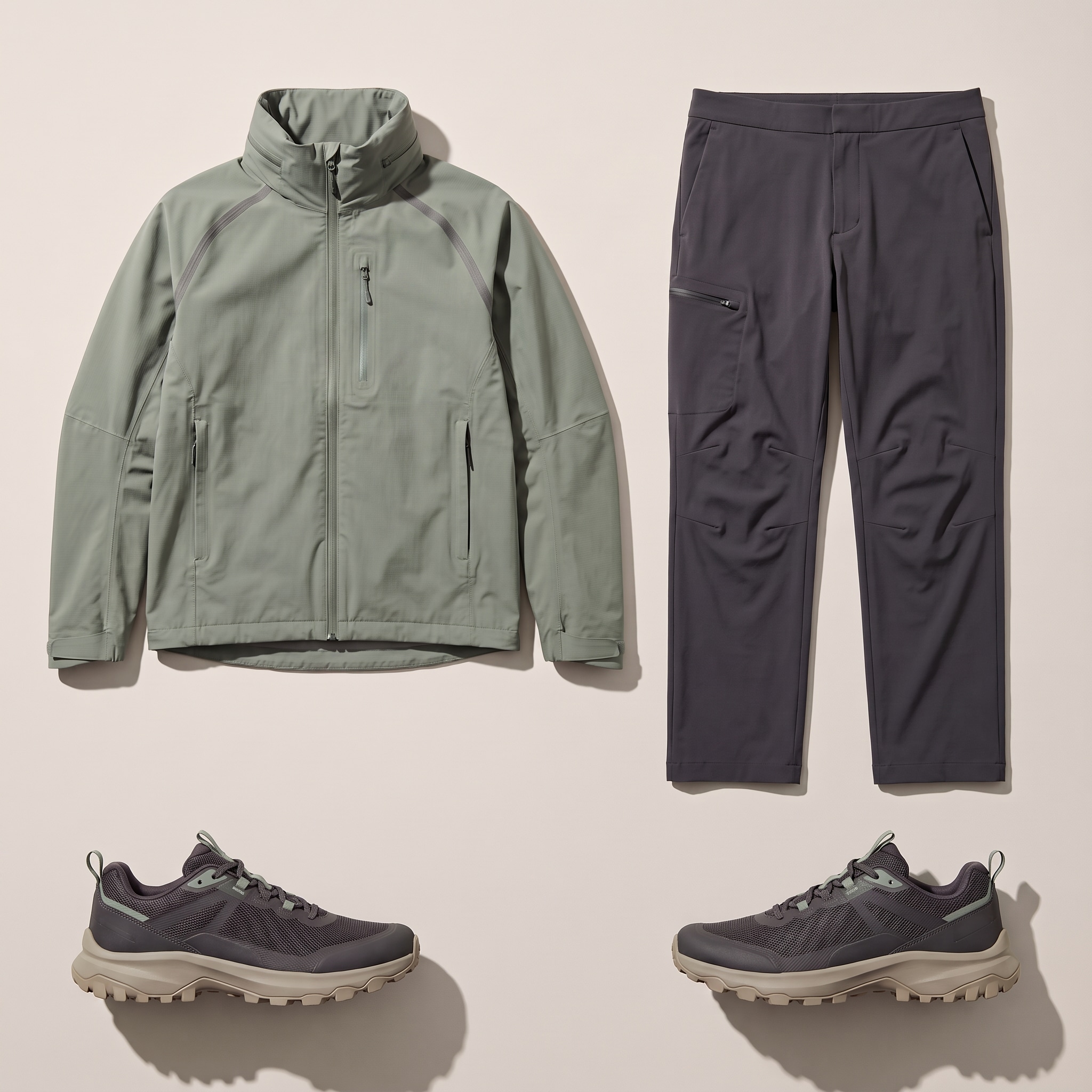
Three-piece trail system
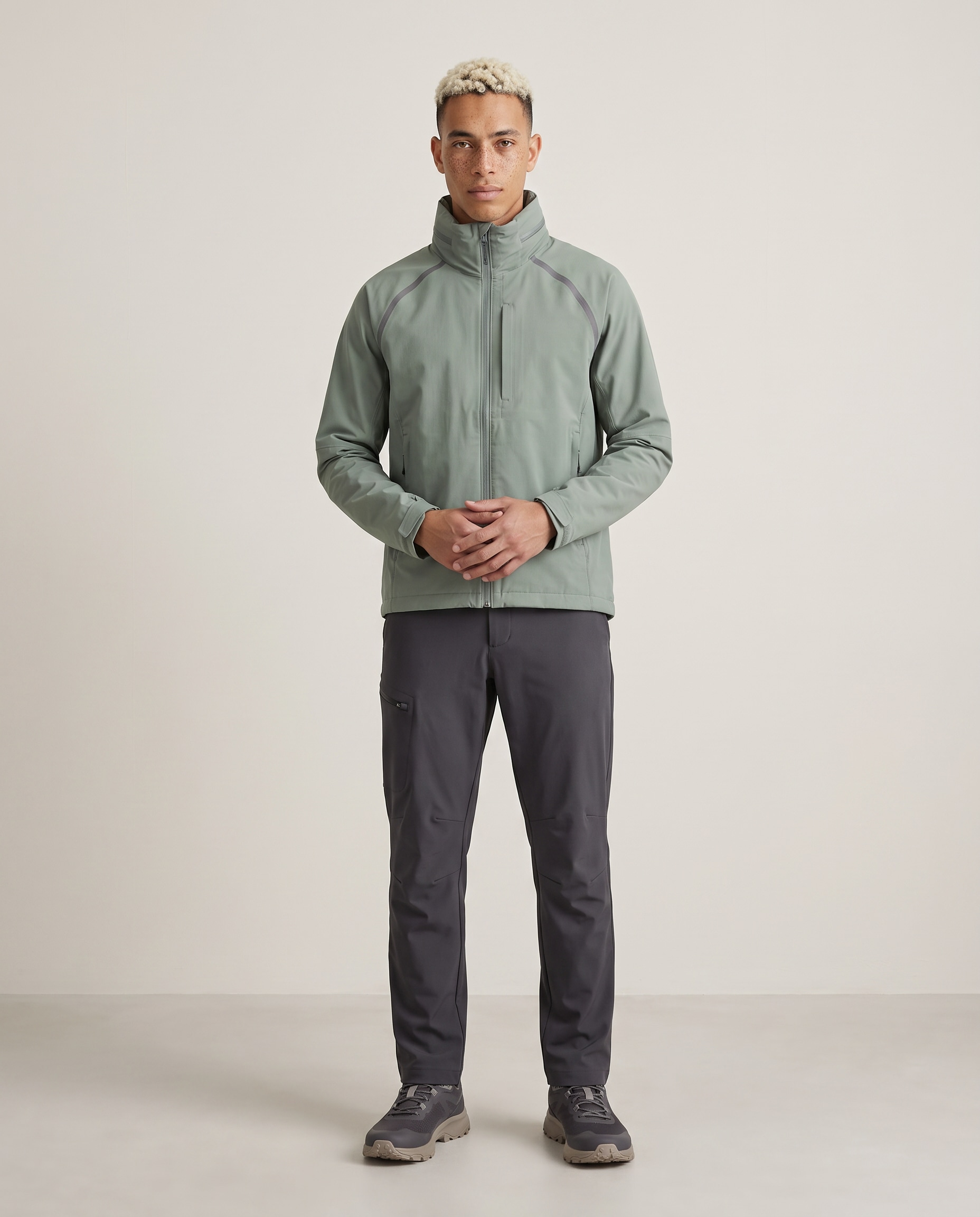
Product pageOren · Gentle Standing
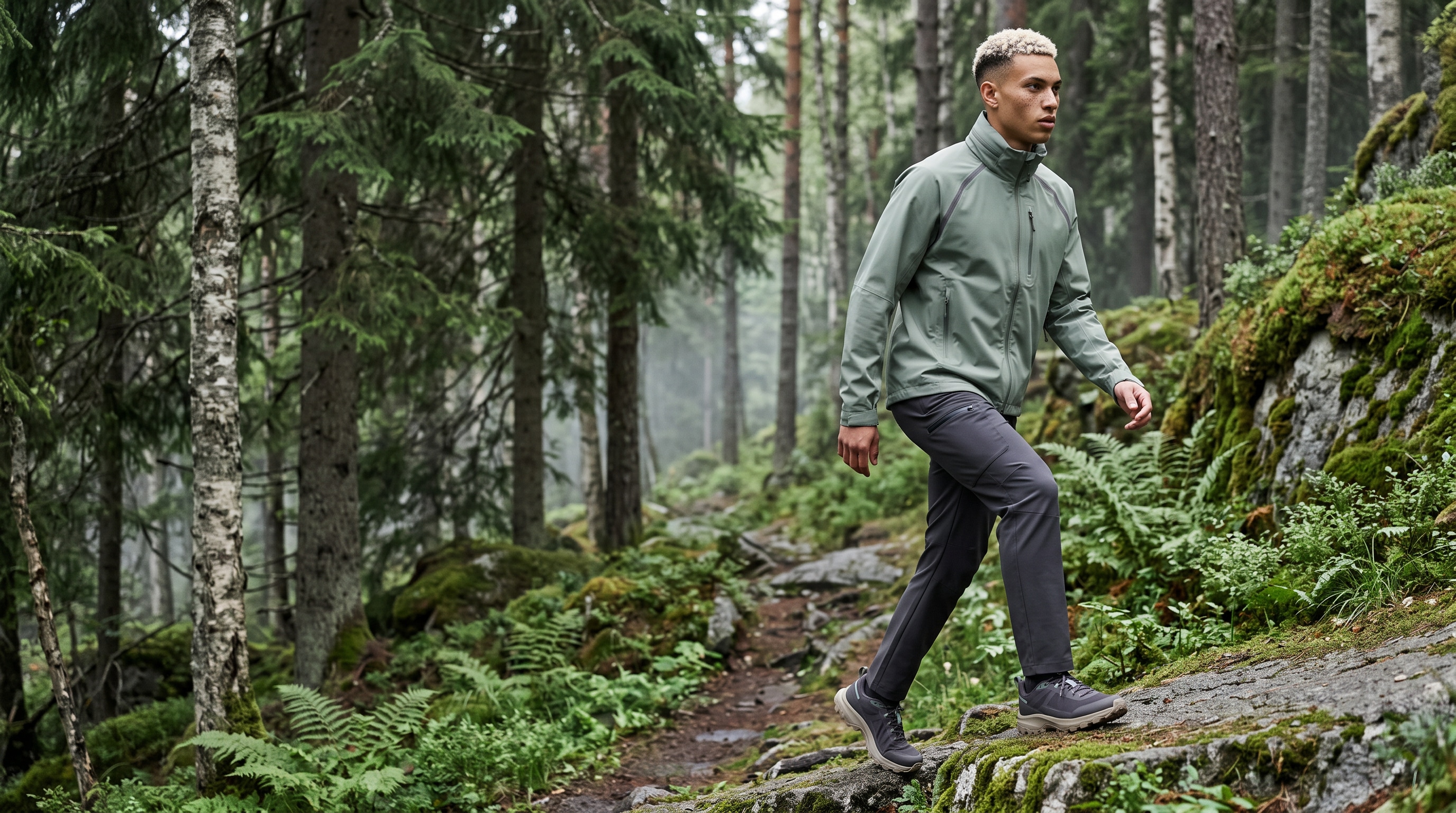
Performance campaignOren · Norwegian trail
MAGIC EDIT
The shot is ready. Your brief can still change.
Mark a region in the finished image, describe the change and generate new variations without rebuilding the shoot.
Explore Magic EditMagic Edit
Magic Edit campaign preview
BUILT FOR YOUR CORNER OF FASHION
The most brilliant visuals for your world.
Whatever you sell, the workflow is the same: bring your reference images in, leave with a campaign. Choose the path that fits your business.
See all solutionsDIVERSE AI MODELS, READY NOW
A face for every brief.
Diverse identities, age ranges and body types — ready to shoot your products today. No casting calls, no booking, no day rates.
- E-commerce
- Editorial
- Streetwear
- Sportswear
- Accessories
- Beauty
 Zara
Zara Noah Kim
 Dajana
 Diego
Diego Sakura
 Malik
Malik
 Noor
Noor Leif
Leif Moana
Moana Bruce
Bruce Camila
 Example exclusive brand model
NO FIT FOR YOUR BRAND?
One face, reserved for your brand.
Give your campaigns a model no one else can use. Through a guided programme we build a consistent brand model, reserved exclusively for your brand—shoot after shoot, season after season.
- A consistent face across every campaign
- Reserved for your brand alone
- Built and looked after with our team
Talk to ShoodioExclusive programme
A short conversation to see if it fits your brand.
From still to motion
Show your style in motion.
Turn an approved Shoodio still into a short campaign clip that gives social, ads and product pages a second life beyond the single frame.
Ready forSocialAdsProduct pages
Create your first shootVideo generation is available on Pro and Agency accounts. Generative motion and details can vary.Generated video
Three approved stills became three five-second clips, cut into one spot.

WHEN THE BRIEF GETS BIGGER
One studio. Far more room to direct.
Build group images and layered looks when your campaign needs more.
- 01Up to 3 models in one composition
- 02Up to 5 distinct pieces per model
- 0310 common image formats
- 04Output in 2K or 4K, depending on plan
WHAT A SHOT USED TO COST
A campaign day, without the campaign day.
A classic campaign shoot means studio, model, photographer, location and weeks of lead time. Shoodio starts a finished shot from $1.50—today.
- Your product, your model, your world
- Full commercial use included
- Live in minutes, not weeks
Prices in USD. Comparison based on typical campaign production, not a fixed quote.
BUILT FOR REAL FASHION WORK
More campaigns. Fewer production bottlenecks.
Create the visuals you need when the collection is ready—not weeks after the opportunity has passed.
Your account and database processing runs in Frankfurt, inside the EU. Every processor we work with is listed transparently in the privacy information.
Manual upload and Shopify import are available now. WooCommerce and more catalogue connectors are coming soon.
A shared team workspace is planned for the Agency plan and is not available yet. Talk to us if you want to shape the team workflow.
Book a team demoSTRAIGHT ANSWERS
What you need to know before your first shoot.
Can I use the images commercially?+
Yes. Once a shot is generated, you can use and commercialize it across your shop, social channels and ads—worldwide and with no time limit. The license is non-exclusive, so similar results can also be created for others. It does not cover the underlying model identity, source assets or the platform itself.
Do my unreleased collections stay confidential?+
Yes. Your uploads, prompts and outputs are never used to train general AI models. We only process them to deliver the service to you, storage happens for that purpose, and your account and database run in Frankfurt inside the EU. Every processor we rely on is disclosed in the privacy information.
How do credits and billing work?+
Shoodio runs on a paid plan: Basic is $49 a month with 250 credits, Pro $99 with 500 and Agency $199 with 1,000. Sign up and discover Shoodio with your own product. With a paid plan, generation uses credits: an image costs 19 credits on Basic, 17 on Pro and 15 on Agency, which is from $1.50 per image on Agency with separately purchased credits. Pay yearly and two months are free. All prices are in US dollars (USD). Customers in those EU countries that we bill in euro — we name the current list on request at info@shoodio.ai — pay in euros, everyone else in US dollars — the same catalogue figure either way. The currency follows your location at checkout and stays fixed for a running subscription; at checkout Stripe may additionally display the local currency of your location and convert the amount itself, and the currency and amount of your order are shown before you pay. You can review the plans and credit bundles on the pricing page.
Do I need to write prompts?+
Not for fashion stills. Choose the model, products, background, pose, style and format visually. Text is optional when you want one additional detail. Video generation uses a short motion description or a generated suggestion.
Can I use my own clothing and my own location?+
Yes. Upload apparel manually or import selected Shopify images. You can also upload your shop, showroom or another location as a custom background.
Can I change a result without rebuilding the shoot?+
Magic Edit lets you mark a region in a generated image and request a focused change. The edited result is still generative, so details can vary.
Can Shoodio create video?+
Pro and Agency accounts can turn a generated image into a five- or ten-second clip. You choose camera motion and describe the movement or start with a suggestion. Video is not included in Basic.
What resolution do I receive?+
Fast Mode generates at 2K on every plan. Pro and Agency additionally get Quality Mode for native 4K, and can enhance suitable 2K selects to 4K separately.

YOUR NEXT COLLECTION IS ALREADY THE BRIEF
Bring one product. Leave with a campaign.
Open the studio and create the first image in your next content drop.
Sign up and discover Shoodio with your own product.